William Longmire calls himself “Microsoft Fanman No. 1.” He also happens to be a Seattle Seahawks supporter. So with Windows 10 launching Wednesday and the… Read More
Last week, Microsoft announced that Windows 10, once installed, will automatically update by default, with users having no option to stop buggy updates from… Read More
Microsoft’s six-year-old Windows 7 operating system experienced a surge in market share in June, surpassing 60 percent of the worldwide desktop… Read More
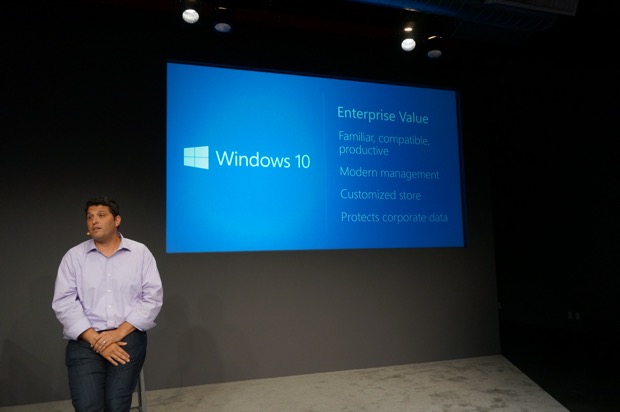
SAN FRANCISCO – Microsoft is slated to unveil its plans for Windows this morning, with a big focus on enterprise customers,… Read More
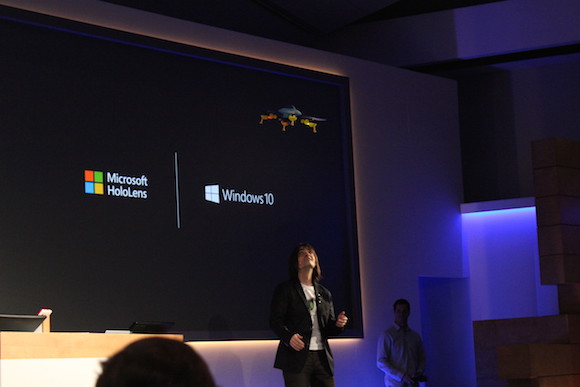
Alex Kipman flies a quadcopter based on a HoloStudio sketch
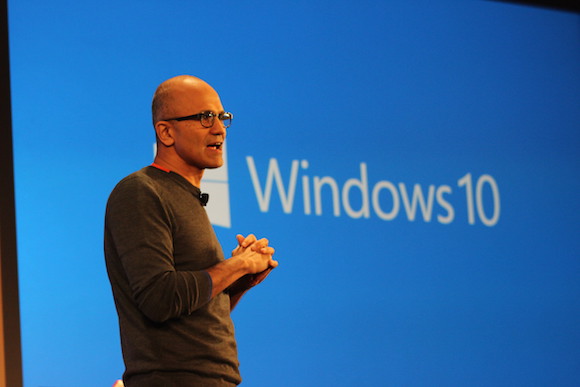
Microsoft CEO Satya Nadella. (GeekWire File Photo)
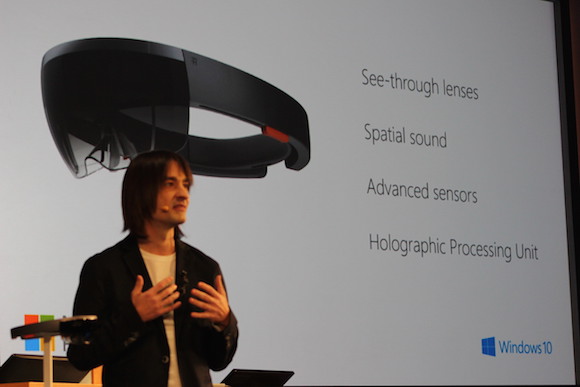
Microsoft’s Alex Kipman leads the team that developed the HoloLens.
Photo via BlackBerry
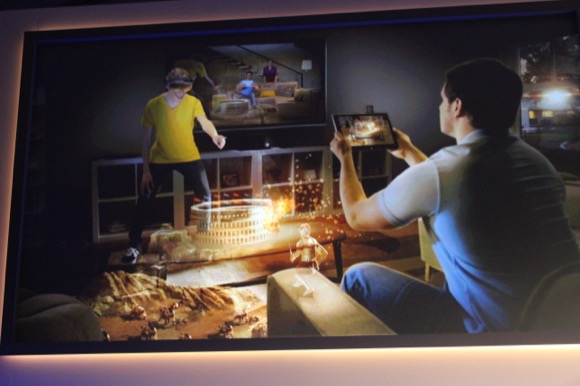
Microsoft’s HoloLens headgear
Alex Kipman
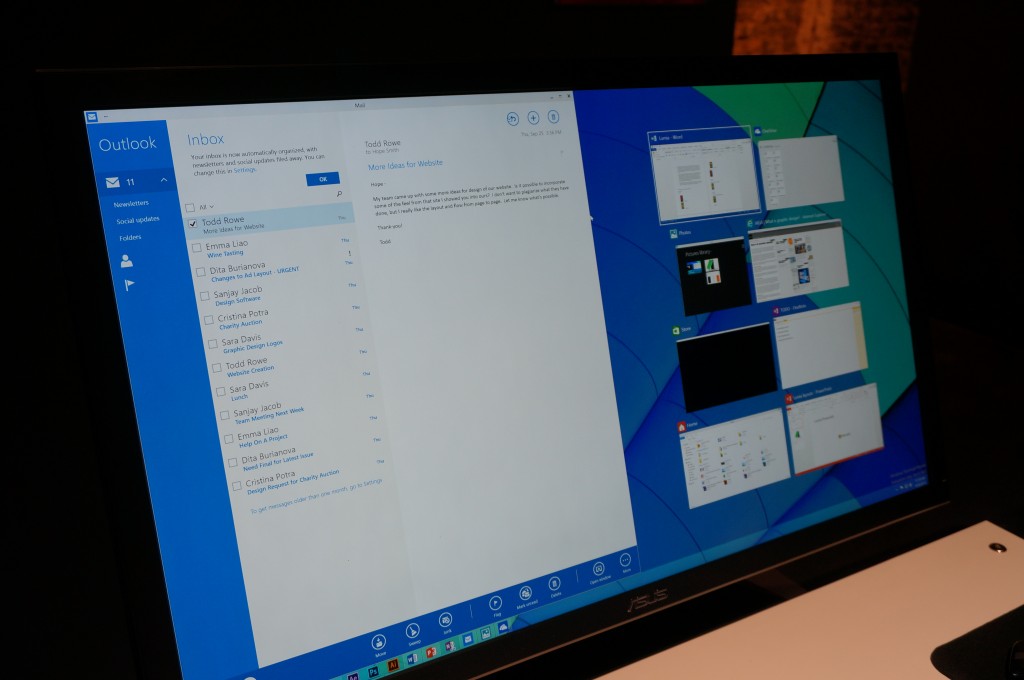
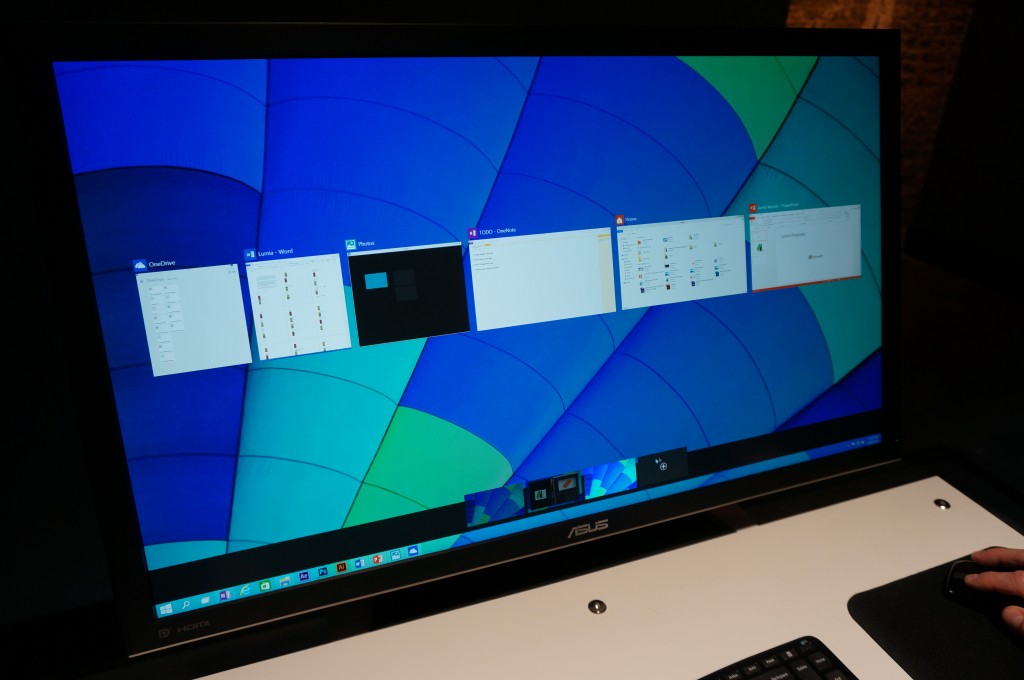
Task view lets users see all of their windows at a glance.
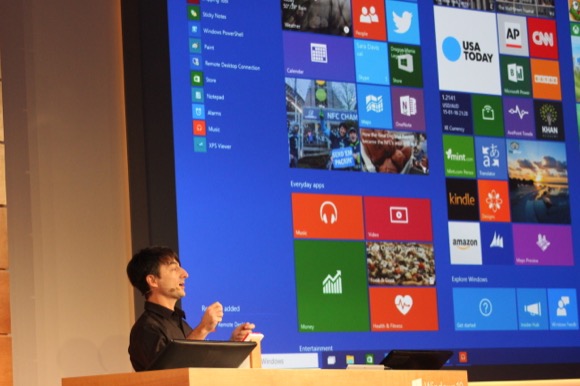
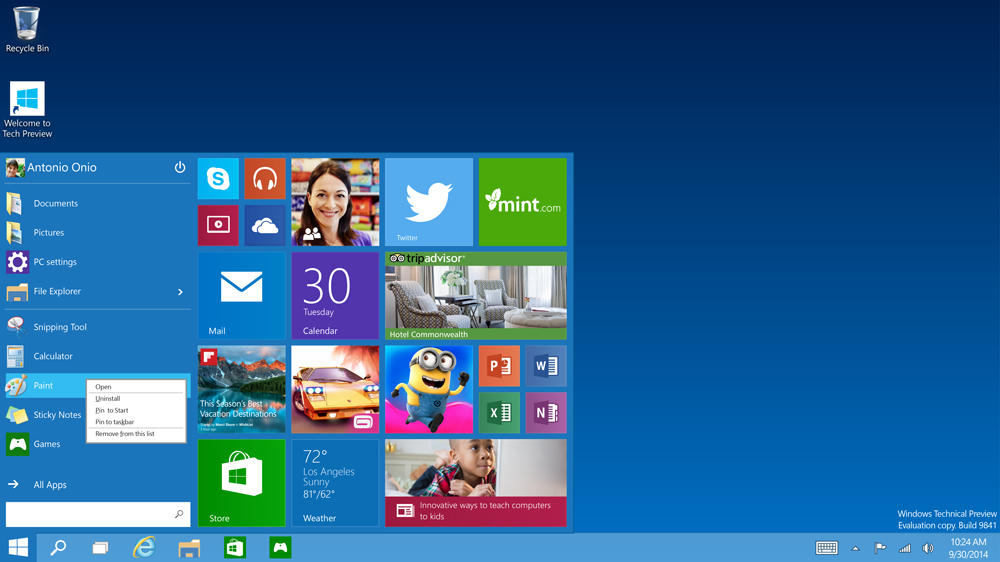
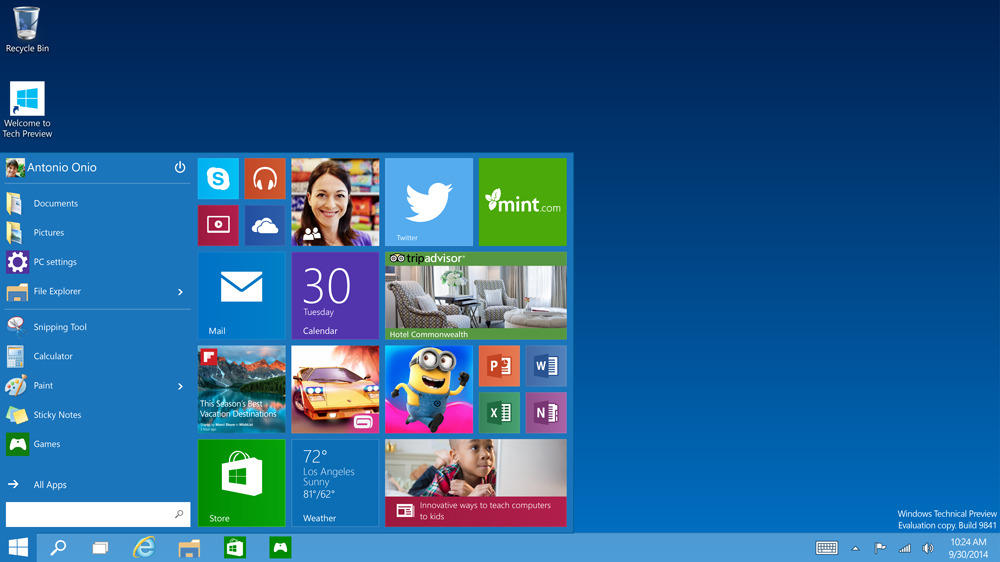
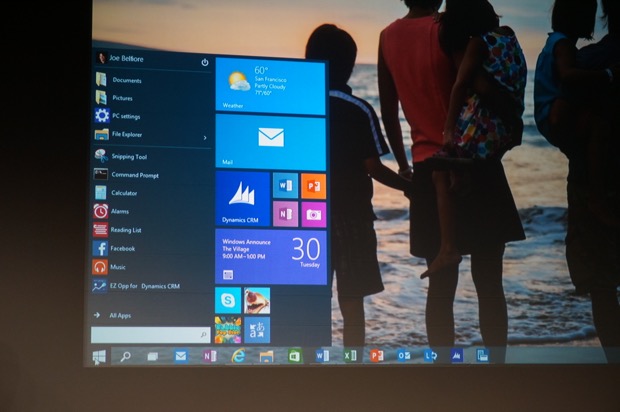
The familiar Start menu is back, with some improvements, including a space you can personalize with your favorite apps, programs, people, and websites. (Credit: Microsoft)
You can now open apps from the Windows Store in the same format your desktop programs do– in windows that you can resize and move around, and with title bars at the top so you can maximize, minimize, and close with a click. (Credit: Microsoft)
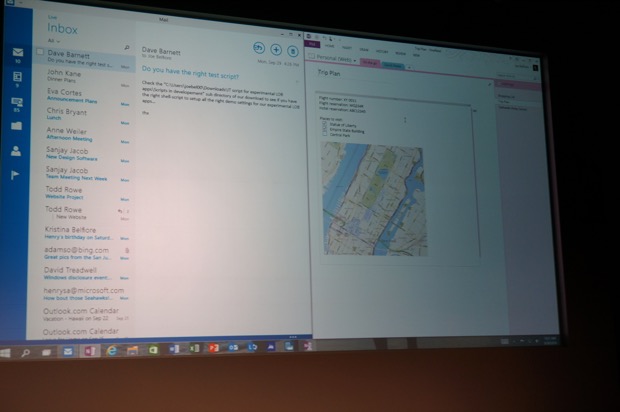
Working in multiple apps at once is easier and more intuitive. When you snap an app or a program, Windows suggests ways to fill the remaining space. (Credit: Microsoft)
The new task-view button on the task bar gives you one-click access to all of your running apps and programs. (Credit: Microsoft)
You can now open apps from the Windows Store in the same format your desktop programs do– in windows that you can resize and move around, and with title bars at the top so you can maximize, minimize, and close with a click. (Credit: Microsoft)