
I remember buying expensive Photoshop courses when I first started learning photo editing. It felt like unlocking some secret creative language – layers, masks, blending modes, color balance. I loved that feeling of control, of being able to build something pixel by pixel. For years, Photoshop was my comfort zone.
Face swaps were one of my favorite challenges – they required precision, patience, and an eye for detail. Matching skin tones, adjusting lighting, softening edges, and spending hours until the final image looked believable – that was the craft.
But over time, the workflow started to feel slower than the ideas I had in my head. Trends were moving faster, visuals changing daily, and sometimes I’d spend an entire evening perfecting one photo that could’ve been done differently – if only the software could understand what I was trying to do.
When I first heard about tools, I didn’t believe in them. I assumed they were cheap shortcuts or filters that couldn’t possibly compete with Photoshop’s precision. Then I tried HiggsfieldAI – and realized that this wasn’t a shortcut – & it is now my favorite tool out there.
When Editing Became Understanding
The difference between Photoshop and AI tools like Higgsfield is simple but huge:
In Photoshop, you spend time doing the work – selecting, cutting, pasting, color matching, blending, retouching.
In Higgsfield, you spend time thinking – deciding what you want, then watching the AI bring it to life in seconds.
- All I have to do now is:
- Upload the base/input image.
- Upload a reference image – the face I want to use.
- Click Generate.
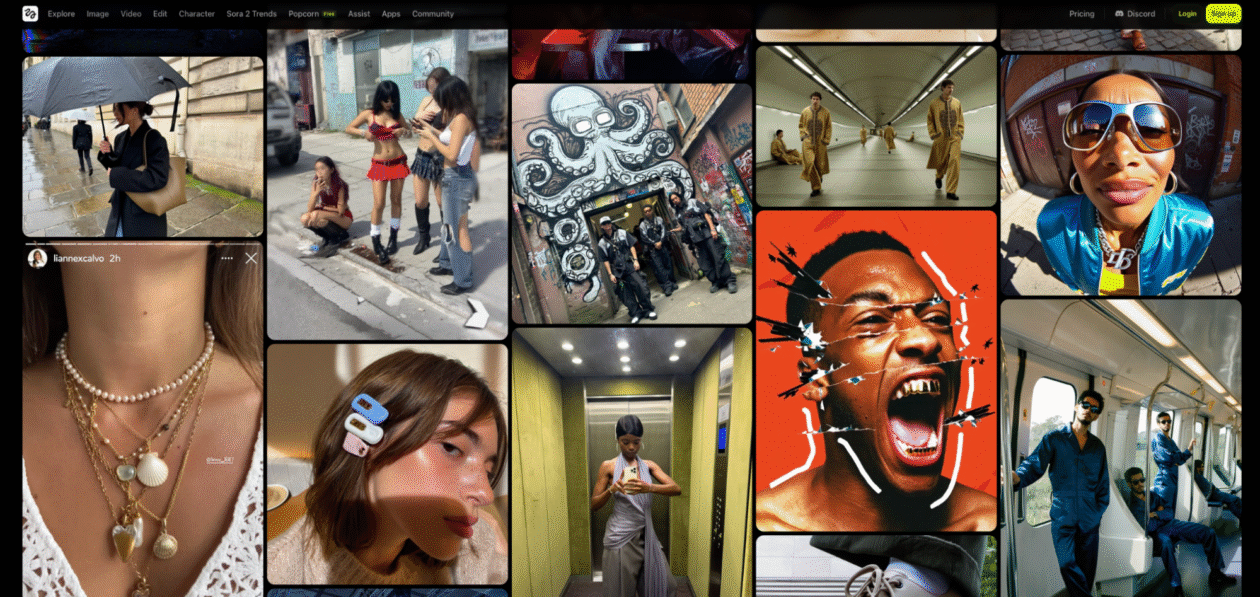
The system automatically detects lighting, expression, tone, and geometry, then merges both photos as if they were captured together. The first time I saw the result, I had that weird moment where I couldn’t tell which one was real.
It really felt like an actual photograph.
What Changed for Me
When I used to do face swaps in Photoshop, I’d manually match light direction with the Dodge and Burn tools, correct tones with Color Balance, then refine edges with a soft brush. Each step could go wrong – too warm, too sharp, too artificial.
Higgsfield’s Face Swap skips that guesswork because its model reads light as data. It knows where shadows should fall, how highlights wrap around skin, and what color temperature belongs to the scene.
That’s the part that still surprises me: it doesn’t “blend” – it “understands.”
If your base photo has soft morning light, the AI automatically adapts the swapped face to match it. If your reference image is shot indoors with cooler tones, it neutralizes and re-lights it. You don’t even need to think about exposure or balance.
Identity Consistency: The Thing That Changed Everything
One of the hardest parts of building campaigns or character-driven visuals used to be keeping a consistent look across multiple photos. In Photoshop, I’d copy layers, re-apply tone corrections, and constantly compare images to make sure the person looked the same in every shot.
It was impossible to do perfectly. The human eye catches even the smallest mismatch.
In Higgsfield’s Face Swap & Instadump features, when I generate ten images with the same reference, every result keeps that person’s exact features – same proportions, same lighting logic, same identity.
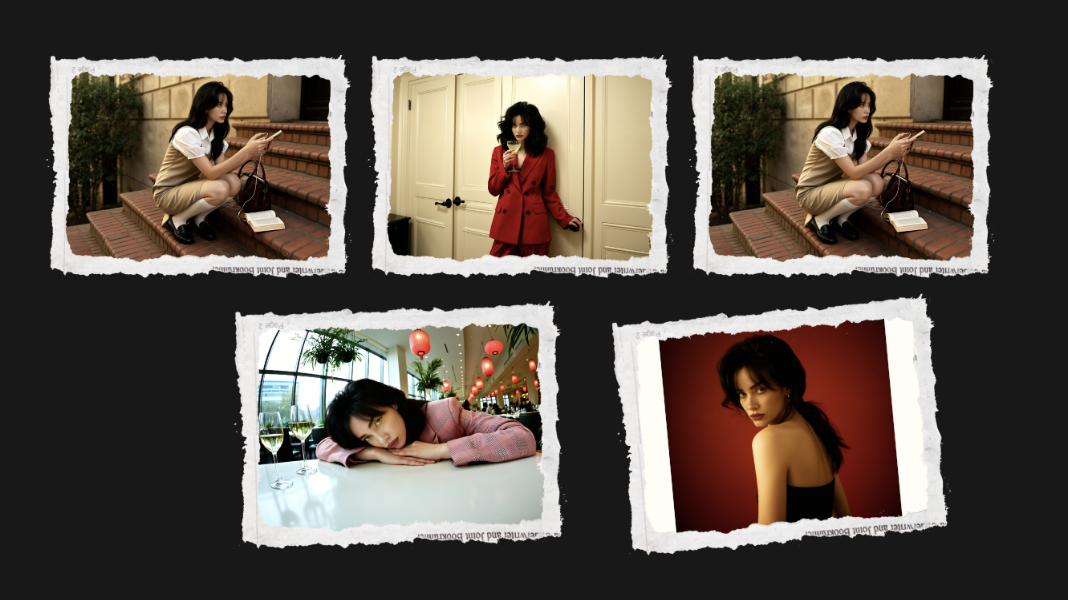
That’s not something Photoshop can do. It’s not even designed for that kind of consistency.
It’s why creators who make campaigns, AI films, or brand visuals now rely on AI Face Swap – it’s the only way to make an entire visual world where people look real and stay consistent across every frame.
How AI Solved The #1 Problem with Lighting
Matching lighting used to be the hardest part of manual face swaps. Even if you nailed the proportions, mismatched shadows or reflections would ruin the realism.
Photoshop’s Color Match, Levels, and Curves helped, but they still depended on manual input. And the more adjustments you made, the more artificial it looked.
Higgsfield solved this with something called adaptive lighting logic.
When you upload two photos, the AI studies:
- Light direction and softness
- Skin texture and reflective color
- Shadow gradient and falloff
- Overall tone temperature
Then it rebuilds the swapped face under those same conditions – so if the scene has sunset light, the new face glows with that same warmth.
Speed That Changes Creativity
This is the part that completely changed my routine.
In Photoshop, a realistic face swap takes at least 20–30 minutes. More if you’re perfectionist about lighting or color matching. That’s fine when you’re doing one or two images, but not when you’re building a series or campaign.
Higgsfield takes seconds. Upload two photos → click generate → done.
I can now try 20 different looks, lighting moods, or concepts in one sitting.
No Long Learning Routine Saves Your Time
Photoshop was something I had to learn.
In AI Face Swap, even beginners can swap faces or create aesthetic visuals without touching a single layer or adjustment slider.
Stylists use it to preview looks.
Creators use it to test content ideas.
Filmmakers use it to visualize scenes.
Archivists use it to restore old portraits.
The skill barrier is gone. You don’t need to know design to make something beautiful anymore.
You just need an idea.
Why It Feels More Human
I didn’t expect AI Face Swap results to feel more alive than the ones I’ve edited manually in Photoshop.
Photoshop composites, no matter how precise, sometimes look stiff. The expression freezes, the eyes don’t connect, the emotion gets lost in the technical process.
AI is taught to read facial micro-expressions – the tilt of the head, the curve of the mouth, the focus of the eyes. It reconstructs emotion as part of the swap, not after.
That’s why the output feels like a real person.
The irony is that AI, which we once thought would make art mechanical, is now the thing making it look more human.
Why I Finally Switched & You Should Too
The last time I used Photoshop for a face swap was on a brand project that needed 12 visuals. I finished one photo and realized it took nearly an hour to make it look perfect.
Then I ran the same photos through Higgsfield. Ten seconds later, all twelve were ready – consistent, realistic, and studio-grade.
That was the moment I knew: it wasn’t about giving up control; it was about giving up unnecessary effort.
Photoshop will always have its place for design and deep compositing. But for realism, identity preservation, and creative scale, AI has already won.
Conclusion
For me, switching from Photoshop to HiggsfieldAI Face Swap wasn’t about chasing trends. It was about keeping up with my own ideas. What used to take hours of technical editing now takes seconds of creative intent.
So yes – I completely replaced Photoshop for face swaps, and if you care about realism, speed, and consistency, you probably will too.
Disclaimer: GeekWire newsroom and editorial staff were not involved in the creation of this content.
