
When I first heard everyone on social media talking about HiggsfieldAI’s features, I’ll admit, I was curious but still skeptical. I know them from all the “Before and after” transformations and cinematic selfies “made with Higgsfield” that are all over my feed.
“The #1 AI photo trend in the world right now,” people called it.
Alright, I thought, I will not be myself if I don’t check it.
So, I decided to test it myself starting with Face Swap, the feature that is claimed to turn any ordinary photo into a hyper-realistic, “cinematic”, as they love to say, version of you.
My First Impressions Working with It
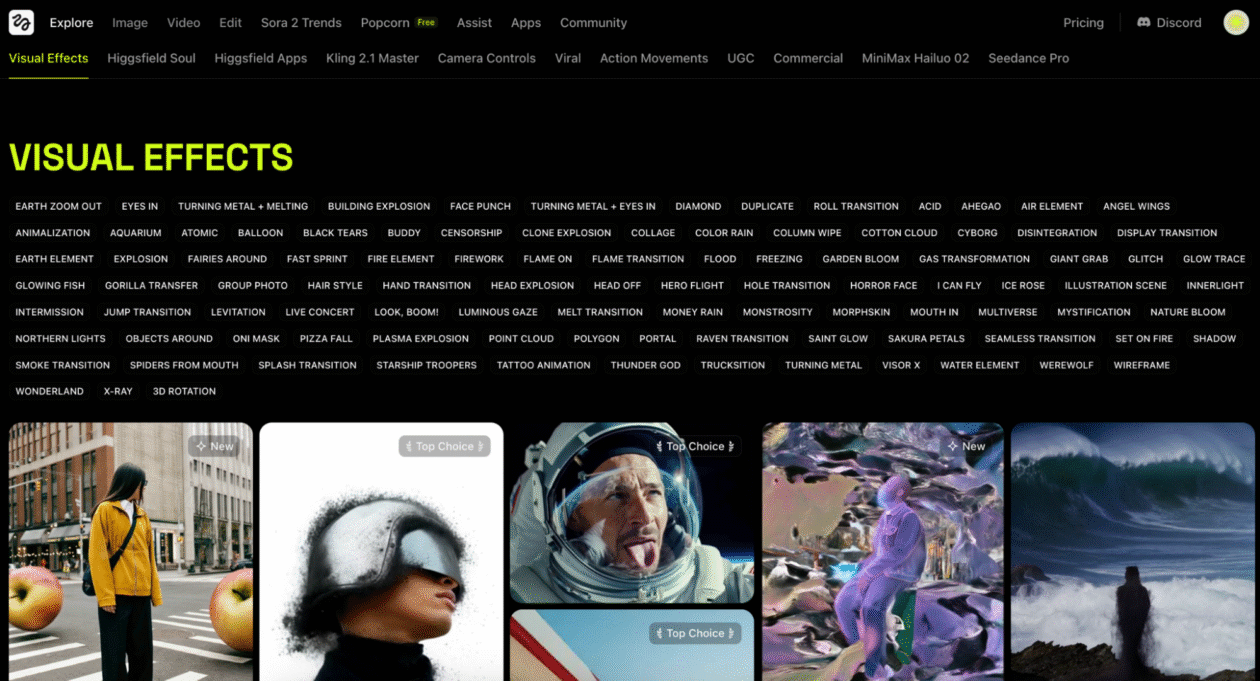
Let us talk about the website first. Higgsfield.ai feels smooth to open, surprisingly.
A few years ago I didn’t understand a thing in the AI world. I thought I wasn’t tech-savvy enough to get any of it.
What really surprised me and felt like a balm on a scar was the site being designed for ordinary people. Their layout is super simple, there’s no clutter, and it has a fresh, great design.
There’s this minimal upload interface where you can start by choosing one clear photo of yourself. I loved that there are no complex AI prompts or setups that feel too-technical. As a full time influencer and content-creator, I really enjoyed that.
Let’s talk about the idea behind the AI Face Swap feature itself. It’s simple: upload your input image, reference image, & tap “Generate.” The tool uses generative AI to rebuild your face according to the lighting, color, and angles of the new image.
As I’ve noticed from the start, It doesn’t give you that uncanny “AI filter” look. The photos are so realistic they could pass as real shots.
Testing Face Swap Further
I started with a portrait of mine – ensure the lighting’s good, that you’re facing the front, and that you have a neutral background – and uploaded it to the platform.
Next, I chose a few test references: a cinematic shot (always wanted to try it), a Pinterest-style aesthetic selfie, and a streetwear fashion photo.

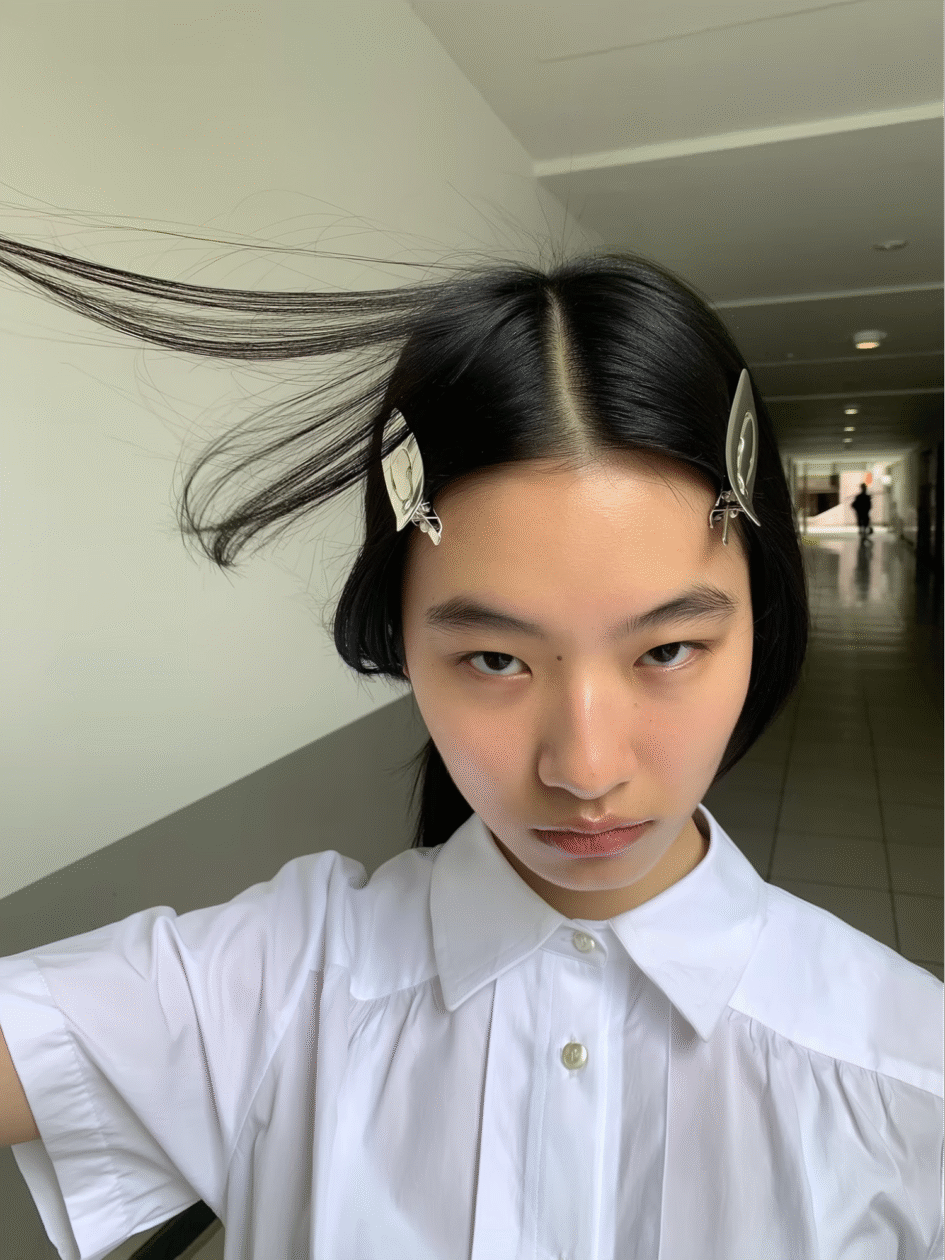
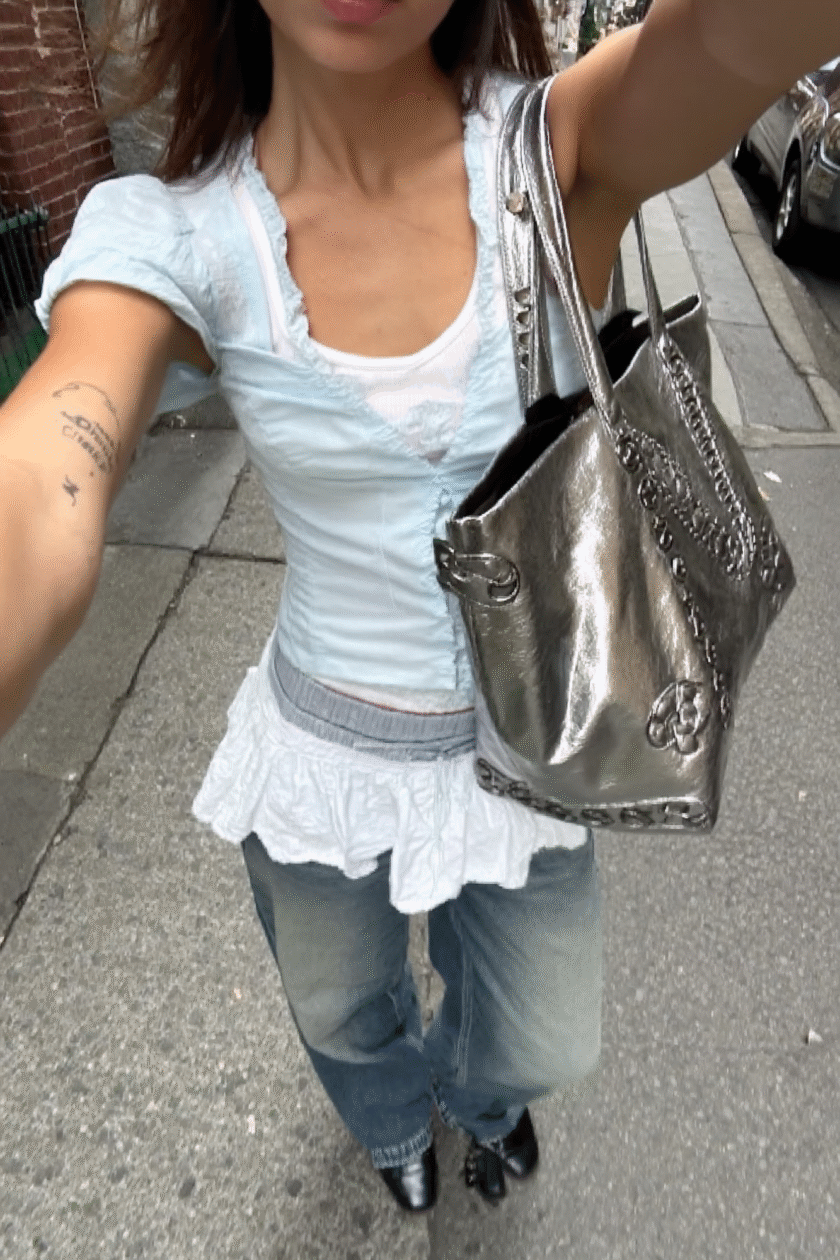
Then, I got my results. Within seconds.
And honestly? They were stunning.
The lighting matched perfectly, my expression was natural (what I was scared of the most) and even small details like skin texture and shadow placement looked real.
Just one click. I didn’t even have to open Photoshop.
That’s when I realized this tool is about exploring different versions of yourself as you test out creative styles, photo ideas, and even moods.
How Face Swap Actually Works
If you’re wondering how it manages to look so natural, here’s the short version: Higgsfield Face Swap is built on reference-based generation.
It means that instead of copying and pasting your face, it analyzes your features, the angles, lighting, and your facial expressions – and rebuilds them into the new image.
It felt like the AI understood what made me look like me – then redrew me in a completely new scene.
You can read more about the process in Higgsfield’s Simple Guide to Face Swap, which explains how the model keeps your natural self and the lighting intact.
The Realism Factor
I realized what makes Higgsfield stand out is how it keeps your identity consistent.
Even after multiple swaps, my face always looks authentically mine. There wasn’t a single distortion.
The system balances lighting and depth so well that even close-ups look believable. It’s like the AI knows exactly how to keep your proportions natural while adjusting the things like background and tone.
Each generated image felt to me like it was taken by an actual photographer.
So, the realism is exactly why so many people are calling Higgsfield’s Face Swap the most advanced AI swap tool available right now.
My Favorite Part
The fun part? You can turn this feature into a creative playground.
I tried dropping my face into a 90s movie still, a vintage travel photo, and even a fashion editorial shot. Every version looked like a different version of me.
Another Cool Find
After playing with Face Swap, I found another new feature on Higgsfield that’s equally exciting — Instadump.
So, while Face Swap helps you change your look or scene, Instadump lets you create an entire photoshoot series from a single image. Isn’t that insane?
It’s perfect for people who love that casual “photo dump” aesthetic. Again, generated instantly.
I found out you can experiment with looks using Face Swap, then expand them into full, aesthetic photo dumps with Instadump.
What’s the Hype?
It’s easy to see why Higgsfield is trending globally. It singlehandedly turns what used to take hours of editing or expensive studio work into something anyone can do in seconds.
Did I mention? It’s also free to try.
For creators, influencers, photographers, or anyone exploring visual identity, Higgsfield is quickly becoming the go-to platform for effortless experimentation.
And honestly, once you try it, you’ll understand why people can’t stop sharing their results.
Final Thoughts
After spending this long date with Higgsfield and especially the true magic Face Swap is, as well as Instadump, after my endless experimentation, I ended up with hundreds of AI-generated photos that looked so completely authentic I had to remind myself I did not actually shoot these photos.
So yes, Higgsfield isn’t just another “AI trend.” This creative tool is the best thing that happened to me lately and I fully encourage you to try, too.
And if you’re wondering whether it really deserves the hype – my answer is Absolutely.
References
“Your Simple Guide to the Next-Gen Face Swap & Its Best Use Cases.” Higgsfield AI Blog. Retrieved from https://higgsfield.ai/blog/a-simple-guide-to-face-swap
“Create Realistic AI Photoshoots with Instadump.” Higgsfield AI Blog. Retrieved from https://higgsfield.ai/blog/Create-Ai-Photoshoots-With-Instadump
Disclaimer: GeekWire newsroom and editorial staff were not involved in the creation of this content.
