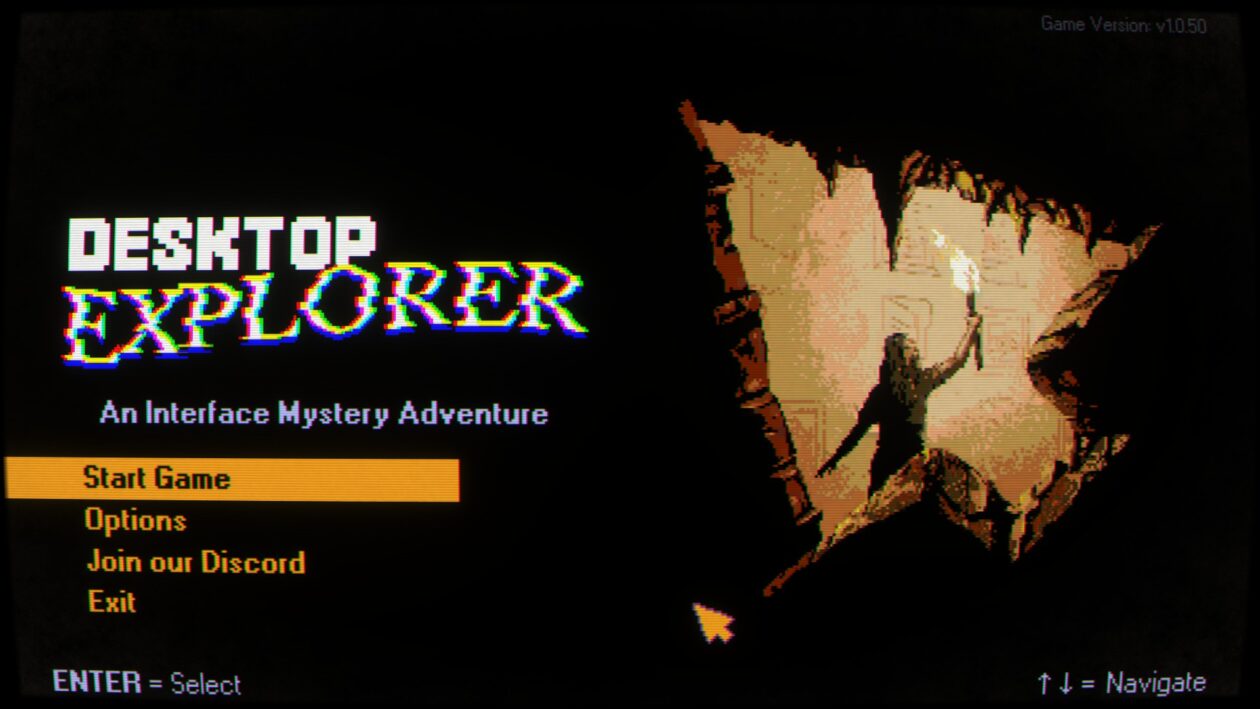
For the first hour or so, Desktop Explorer looks like a nostalgia project. The indie adventure game challenges the player to unravel a mystery by sorting through the files and programs on an old desktop computer.
Many of its puzzles are solved through clever usage of features and tools that will be immediately familiar to anyone who spent any amount of time with Windows 95.
On the other hand, many other puzzles in Desktop Explorer are too immediate and personal to be explained by an old OS on decaying hardware. Part of it comes from the fact that using someone else’s computer can feel like you’re crawling inside their brain, and this PC in particular has a glitchy virtual assistant that seems like it knows more than it should.
Maybe the computer’s actually haunted. Maybe it’s something else.
Desktop Explorer, now available for PC and Mac, is an indie adventure game developed by Recurring Dream, a Mexican-led studio based in Seattle, and co-published by Indienova and Redmond, Wash.-based Outersloth. Recurring Dream, formerly known as Crocodile Company, previously exhibited DE at the 2023 Seattle Indies Expo.
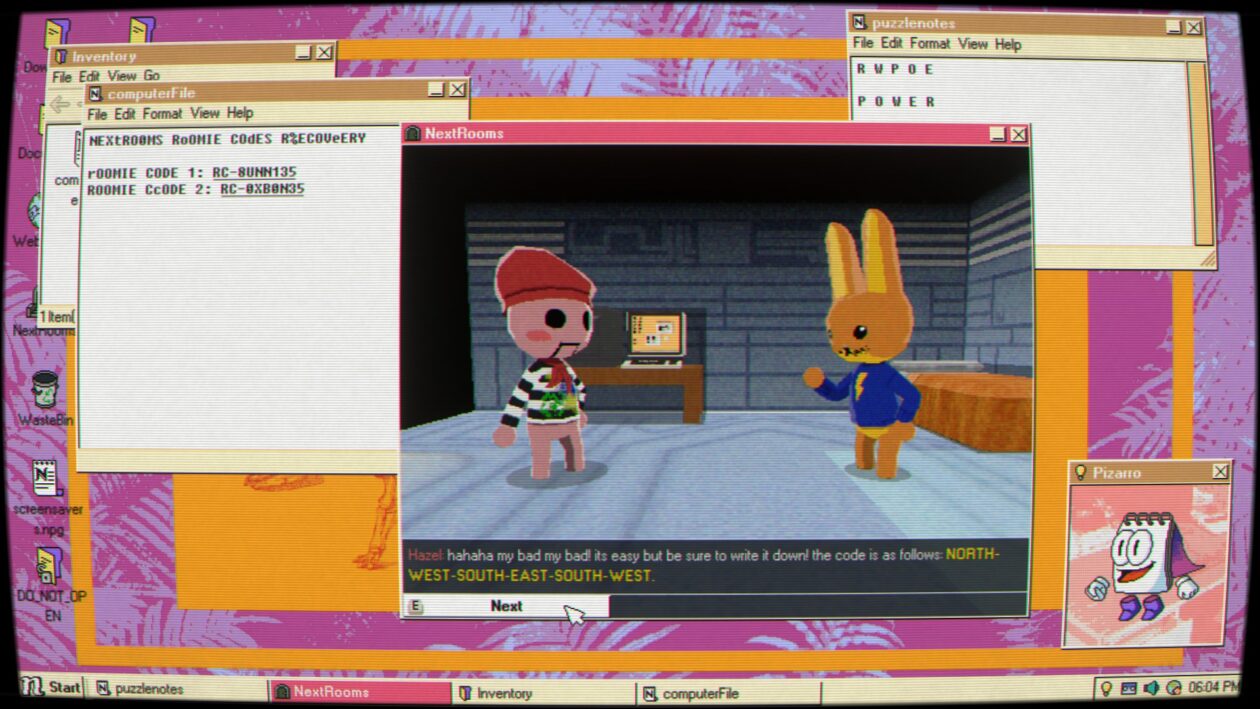
DE is a “screenlife” adventure game, in the spirit of earlier releases such as Emily is Away and Her Story. You never leave the protagonist’s perspective, who’s initially only known by her nickname “Guppy,” and she spends the entire game working on her uncle’s half-busted desktop PC. You only ever see Guppy herself through photos stored on the PC.
In August of 2012, Guppy inherits a computer from her uncle Hal, who’s just gone into the hospital for dementia treatment. The first time she boots the PC, she finds a message her uncle left behind that explains why he’s held onto it for so long. The PC used to belong to someone that Hal cared about, who’s since disappeared, and he was convinced that there’s still some information about her whereabouts on the computer. Guppy, who’s a lot more computer-literate than her uncle was, decides to pick up where her uncle left off.
The primary focus of your investigation is Desktop Explorer, an app found on the PC that comes with its own digital assistant. Desktop Explorer initially comes off like it might be a gamified teaching tool for new PC users, as its first couple of puzzles involve basic tasks like renaming and compressing files.
From there, DE‘s challenges rapidly get tougher and more abstract. Some require you to translate encoded messages or search for information via the cached files on the PC’s browser. For others, you need to edit an application’s source code, duplicate files, or change the date on the PC to match a specific point in time. While you can get a couple of hints in-game if you know where to look, Desktop Explorer is surprisingly challenging.
It can also be surprisingly creepy. While it never gets more intense than an average PG-13 thriller, there are a few genuine scares across Desktop Explorer’s 4- to 7-hour running time. Right from the start, it’s obvious there’s more going on inside this old PC than you’re initially allowed to see, and the closer you get to the truth, the more surreal it becomes.
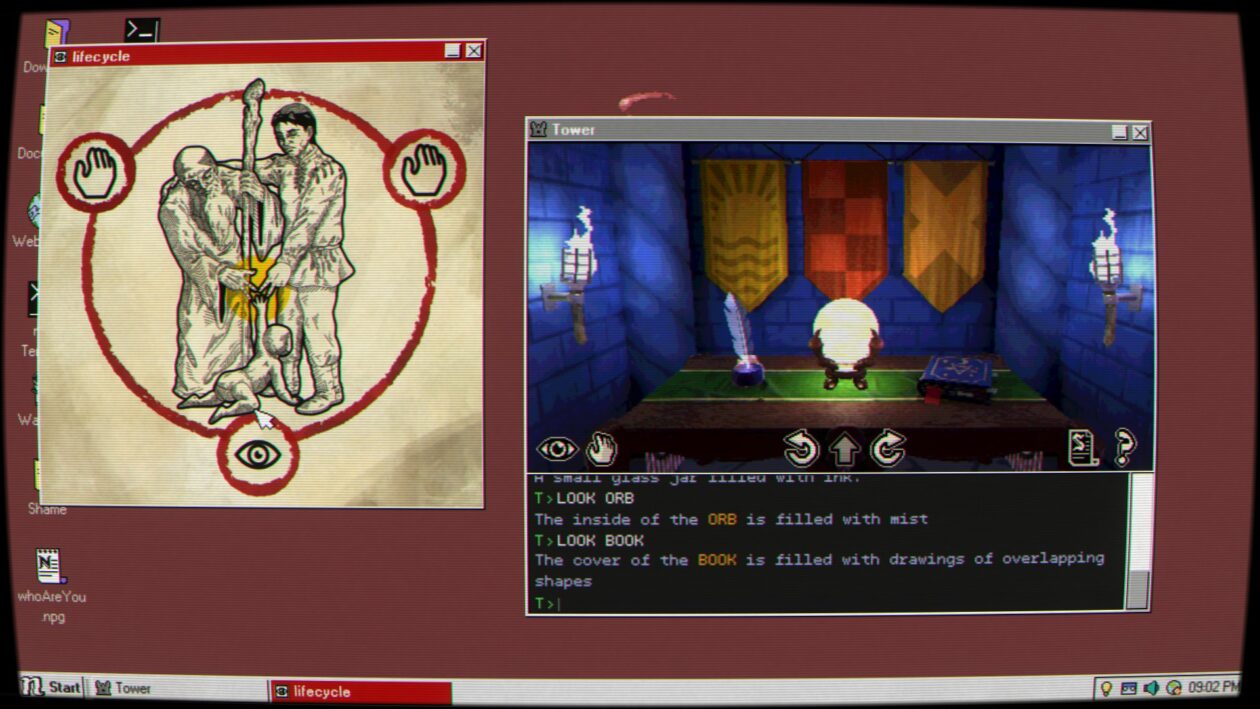
Desktop Explorer sits at the center of an odd Venn diagram, between retro computer enthusiasts, people who enjoy mysteries, and the adventure-gaming community. It’s initially a nostalgic experience, but that’s a thin veneer over what becomes a sort of low-key psychological thriller.
As usual with this sort of game, the fun of it comes from being able to figure out its puzzles, which can be extraordinarily hit-and-miss. Some are clever, with just enough information to let you figure out the rest on your own, while others require you to make a big intuitive leap at some point or to have spent an unusual amount of time randomly clicking buttons on the desktop. One late-game puzzle involves looking up the browser history on the PC, which you’re never told how to do and which is never useful before or after that point.
(An accessibility note: I’m red-green color-blind. While Desktop Explorer has a number of puzzles that involve color-matching, there aren’t any options in place to tweak its palette. This is an increasing issue for modern video games, especially ones that were independently produced. DE isn’t the worst offender in that regard that I’ve played in recent memory, but there are a couple of parts of the game where I just had to brute-force a puzzle.)
Those mild issues aside, Desktop Explorer is a solid entry into the unique, narrow field of screenlife detective games. While not all of its puzzles are equally satisfying, it’s a short, memorable experience that rewards you for unconventional thinking. The appeal to nostalgia might get you in the door, but its unpredictability is what keeps you thinking about it until its end.
Desktop Explorer is out now for Windows PC and Mac via Steam for $17.99.